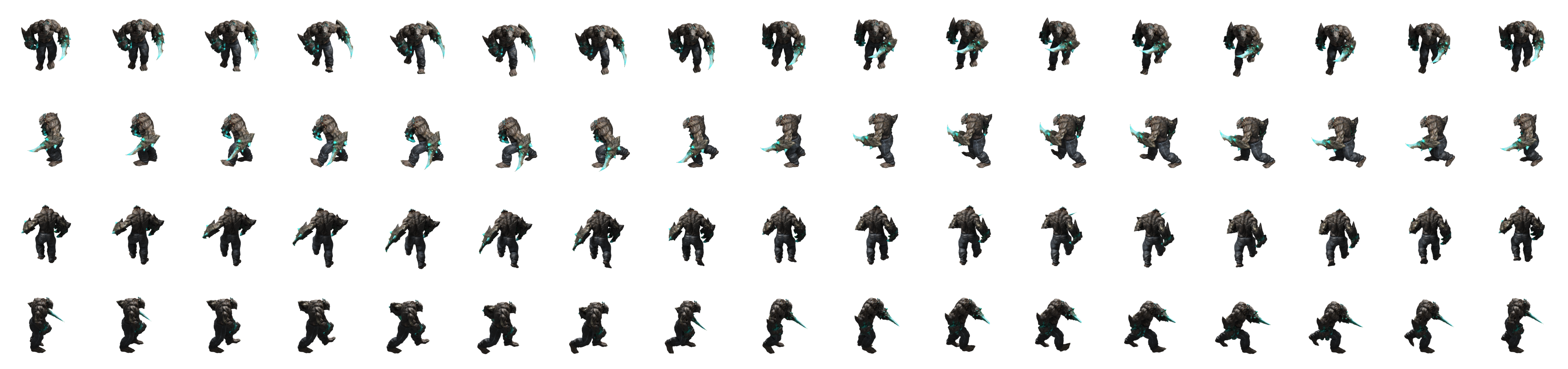
Consistent framing
Preview and export use the same camera setup. Choose 1, 2, 4, 8 or 16 directions.


Trueway Product · Blender extension · v1.0.0 release build ready
Turn 3D animation into sprites for your game. Render views together, keep a consistent look and update your character without reworking every frame by hand.
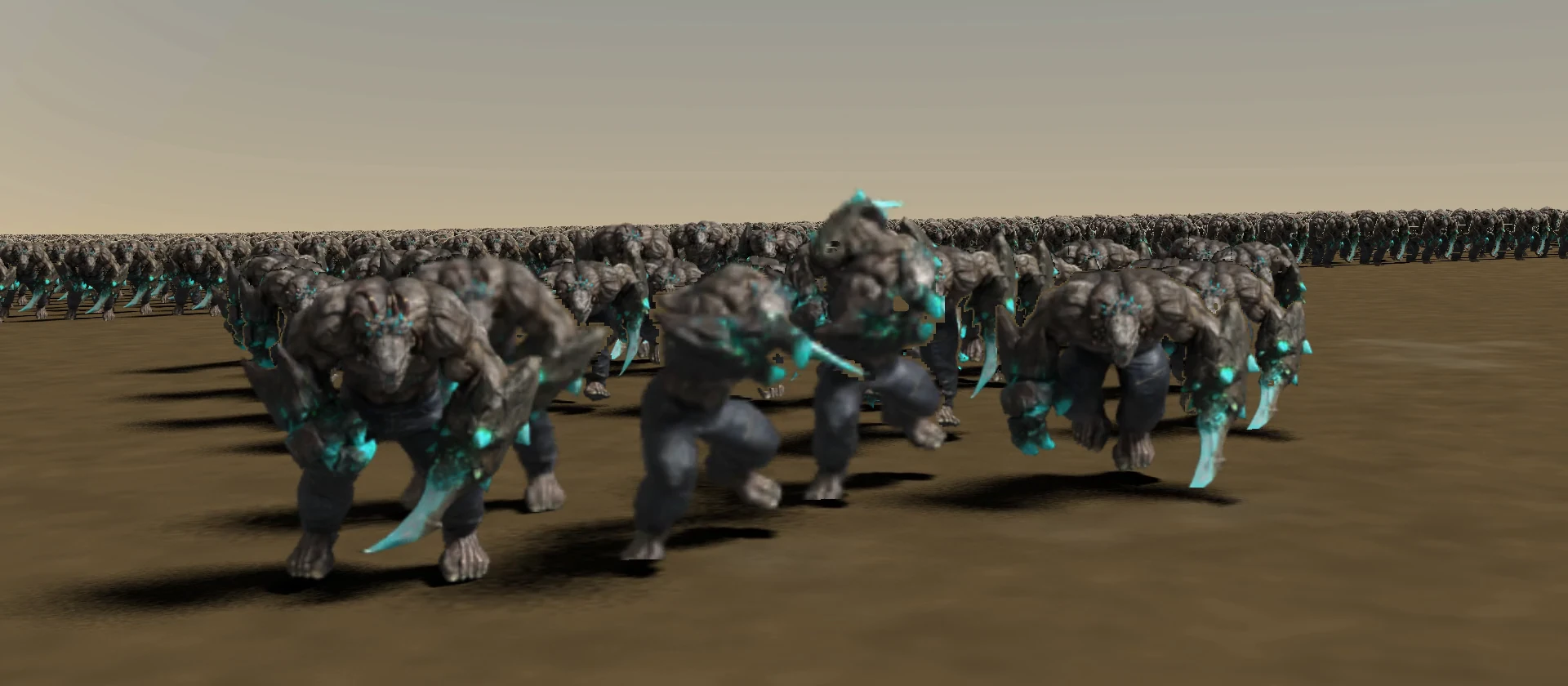
Less repeated work
Preview and export use the same camera setup. Choose 1, 2, 4, 8 or 16 directions.
Bake What Changed checks animation states and passes, reusing current files and rebuilding stale output.
Atlases include direction, frame, timing and motion metadata. Add the passes you need for lighting or masking.
How it works
Use your rig, object or Collection. Add the animations you want to use in your game.
Set directions and resolution. Preview Camera and Measure Framing help check the silhouette before rendering.
Bake What Changed writes atlases and JSON. Use Show Preview to inspect the baked frames.
Illustrated Quick StartYour character in motion
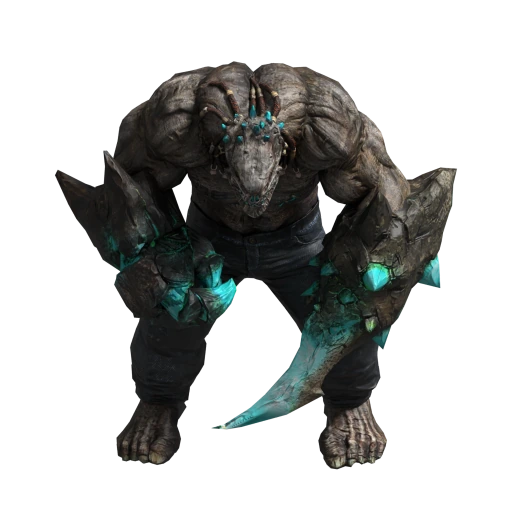
A Mutant animation exported with SpriteOrbit. The preview plays baked 2D frames from four sides; no live 3D model is rendered here.
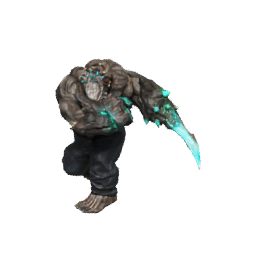
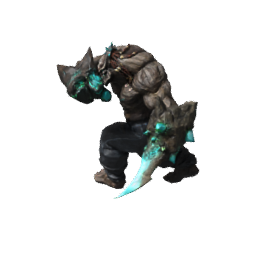
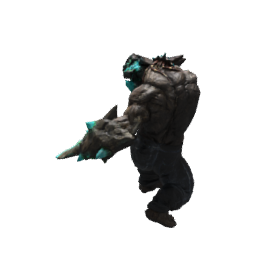
The Quick Start takes you from your model and animation to an atlas and engine metadata.
Quick StartBake What Changed
Edit the material in your 3D source, then run Bake What Changed. This example shows the Mutant actually rebaked after changing its material tint.
The scope depends on the edit: camera or atlas layout changes can invalidate more data than a material color change.
Selective baking reference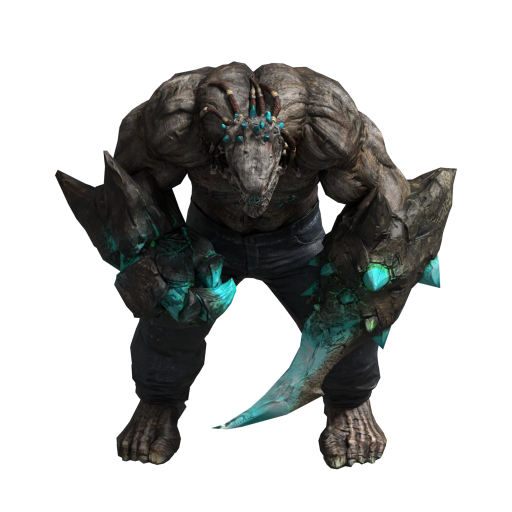 Before the edit
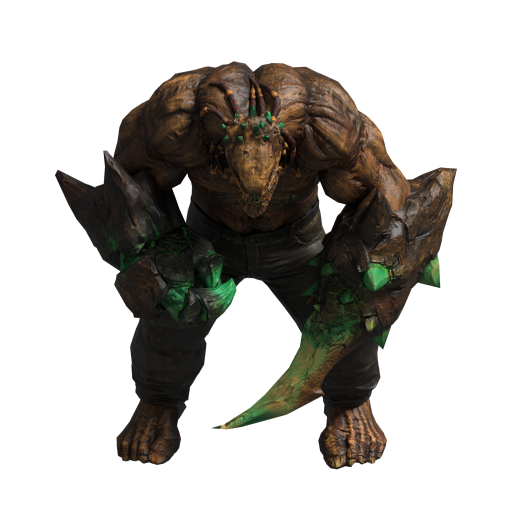 After rebaking
Compatibility and status
FAQ
A rig is used for skeletal animation. Objects, hierarchies and Collections can also be baked as a Static Snapshot.
Yes. Locked in Cell exports movement as metadata; Travel in Pixels keeps it in the image. Playback depends on engine integration.
The current version samples directions at one camera elevation. Full spherical sampling is outside its scope.
The 1.0.0 build is validated. Join the waitlist for availability updates while the marketplace listing is pending.
SpriteOrbit
Joining records your product interest. The separate consent lets us email you about the Superhive launch and meaningful product updates.
Your first export and the full reference.
Open documentationInclude your Blender version and the step that fails.
SpriteOrbit contact